Disclosure: This post contains affiliate links. If you buy something through one of them, we may earn a small commission at no extra cost to you.
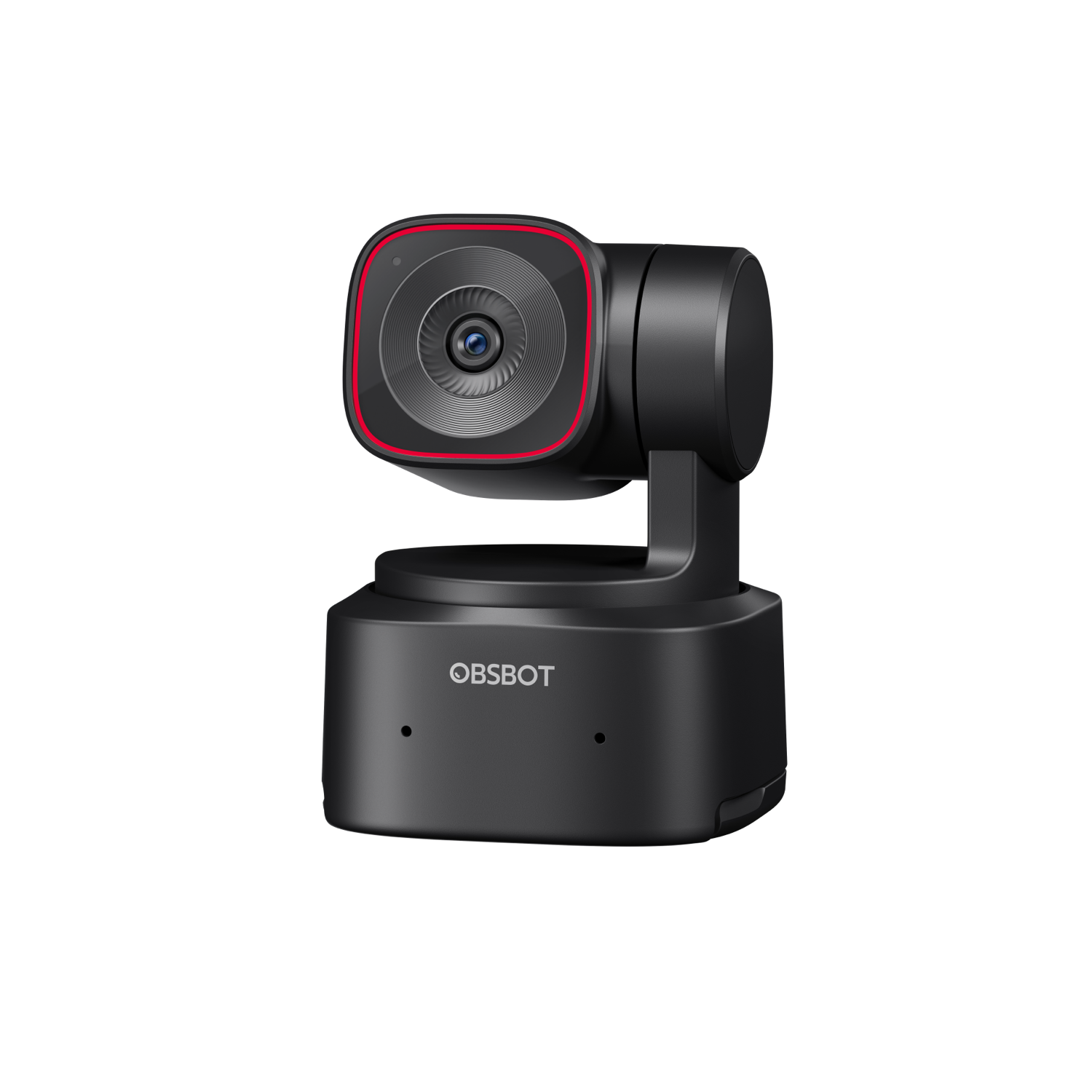
I wasn’t planning to buy an AI webcam. Then I spent an evening reading through more than 1,500 Amazon reviews of the OBSBOT Tiny 2 Lite, and I got curious enough to dig into the specs and figure out whether the 4.4-star average actually holds up.
Short version: it mostly does. Here’s what I found once I got past the marketing copy.
What you’re actually buying
The Tiny 2 Lite is a $179 desk webcam built around a 1/2″ CMOS sensor, shooting up to 4K at 30fps or 1080p at 60fps. That’s not the biggest sensor in OBSBOT’s lineup. The step-up Tiny 2 uses a larger 1/1.5″ sensor for $329. But the Lite is the one with the review volume to back up how it performs in the real world.
The box includes the camera, a USB-C to USB-C cable, and a USB-C to USB-A adapter. No tripod, no case. If you want the OBSBOT Smart Remote 2 with laser pointer support, that’s a separate bundle at $218.
The AI tracking is the actual selling point
The Lite runs on a 2-axis gimbal with five tracking modes: Upper Body, Close-up, Headless, Lower Body, and Hand. You can also block off up to three “no-track zones,” which matters if you share a desk or sit near a window that keeps stealing the camera’s attention.
Reviewers consistently call this the standout feature. Buyers on Amazon describe the tracking as smooth enough for hands-free presentations and streaming, not the jerky, over-eager cropping some competing AI webcams are known for.
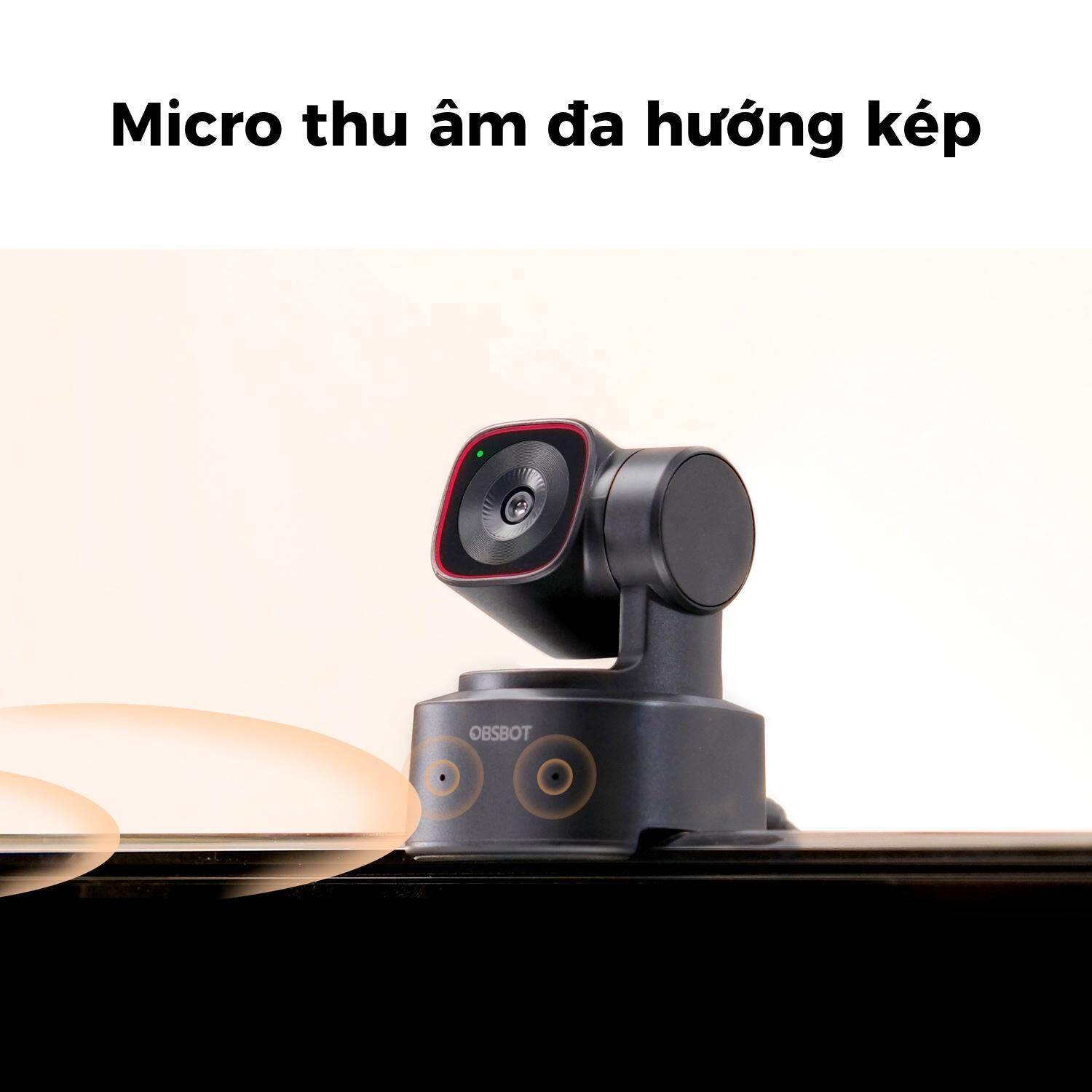
Audio comes from dual symmetric microphones with three levels of noise reduction and a voice enhancement mode. It’s not the strongest mic array in this price range. That honor goes to some competitors with bigger mic housings, which I cover in my OBSBOT vs Insta360 Link comparison. But it’s serviceable for calls and casual streaming without an external mic.
What 1,500+ buyers actually say
The Tiny 2 Lite holds a 4.4 out of 5 star average across more than 1,500 Amazon reviews. That’s a strong score at real scale, not a handful of early adopters padding the number.
The positives repeat themselves: sharp 4K image quality, tracking that actually works as advertised, and gesture controls that let you start or stop tracking with a hand signal instead of digging through a menu.
The complaints repeat themselves too. Documentation gets called thin more than once, which leaves some buyers guessing at settings that could have been explained in the box. A few reviewers report the camera not being detected on certain Windows 11 laptops until multiple firmware updates were applied. Others note that enabling the higher-quality background blur can introduce noticeable lag.
None of these are dealbreakers for most buyers, but they’re worth knowing before you assume plug-and-play. If a driver issue does come up, OBSBOT’s support responds by email and the standard 1-year warranty covers hardware defects on the camera and lens. I cover the exact terms in my warranty and returns guide.
Where it falls short
- Documentation. The setup guide leaves gaps that the OBSBOT Center app doesn’t always fill in.
- Background blur lag. The higher-quality blur mode can slow the camera down on some systems.
- No case or tripod included. At $179, most buyers expect at least a basic carrying pouch.
Should you buy it?
If you’re on video calls daily, stream solo, or record talking-head content and want to stop manually reframing yourself every time you shift in your chair, the Tiny 2 Lite earns its price. The tracking is the real deal, and the review volume backs that up.
If pristine audio matters more to you than tracking smoothness, it’s worth reading how it stacks up against the competition first. I put the Tiny 2 Lite’s closest rival head-to-head in OBSBOT vs Insta360 Link, and if you’re unsure whether the Lite or a different OBSBOT model fits your setup, my buying guide walks through it by budget and use case.