
Disclosure: This article may contain affiliate links. If you buy through them, we may earn a small commission at no extra cost to you.
Most docking stations never get touched by an actual reviewer. They just sit on Amazon collecting star ratings from people who unbox them once and never stress-test the ports. The MOKiN 13-in-1 USB-C docking station (model MOPU1102, sometimes branded DockPro PU1102) is one of the rare exceptions. Both PCWorld and The Gadgeteer ran it through real workloads, and I pulled their numbers together with MOKiN’s own spec sheet so you can see exactly what you’re buying.
What You Get
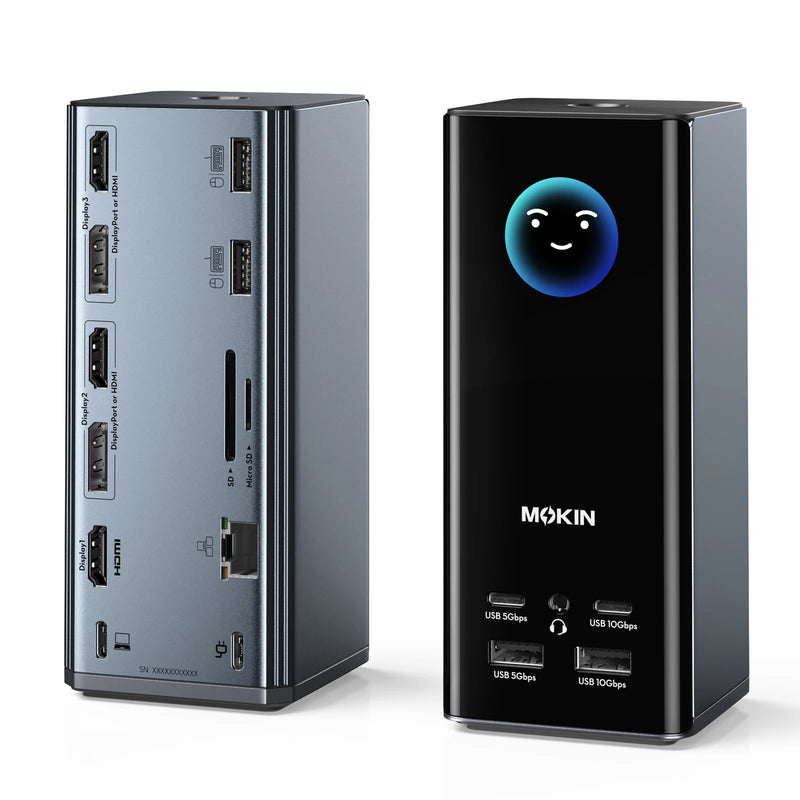
- 160W total power output, up to 100W per USB-C port for laptop charging
- 2x HDMI, 2x USB-C, 1x USB-A 10Gbps, 1x USB-A 2.0, Gigabit Ethernet
- 2.26-inch LCD display showing real-time power draw per port
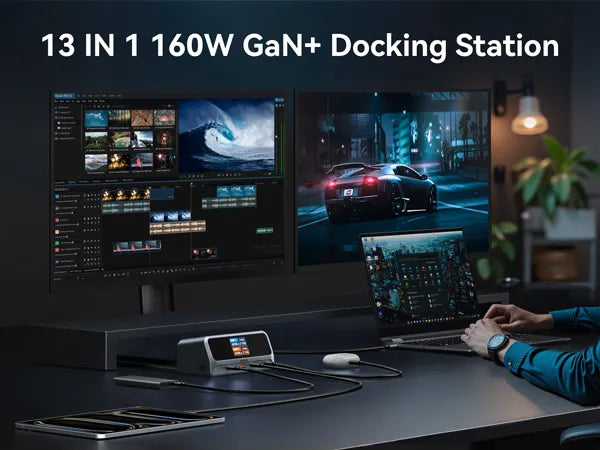
- Dual 4K@60Hz display support on Windows (single external display, mirrored, on macOS)
- Current price: $99.99, down from $169.99
What PCWorld Found
PCWorld named this dock an Editors’ Choice pick. Their testing measured 63.63W of actual delivered power to a laptop against the claimed 100W ceiling, which is normal since laptops rarely draw their full rated charge speed at once. During a 4K video stream over the Ethernet port, only 2 frames dropped out of more than 10,000, which is a genuinely strong result for a budget dock.
Their one real complaint was the port layout. The left-side ports handle data only, and the right-side ports handle power only, and that split isn’t obvious unless you read the manual first. A few Amazon reviewers hit the same confusion.
What The Gadgeteer Found
The Gadgeteer kept the dock in daily rotation for two to three weeks, running 4K video edits, remote work sessions, and multi-device charging. They clocked 920 MB/s on a 25GB file transfer over the 10Gbps port and 850 to 940 Mbps on Gigabit Ethernet, both close to the advertised ceilings. Their final score was 4.5 out of 5.
Their main gripe was the physical power button. It sits slightly raised on the housing, so it’s easy to bump by accident while plugging in a cable. They also flagged the limited macOS display support: M1 and M2 MacBooks only drive one external monitor through this dock, not two.
Where This Dock Actually Falls Short
Putting both reviews together, three limits stand out. It doesn’t support Linux at all. macOS users only get single external display support, not extended dual monitors. And the port layout takes a few minutes to learn since data and power aren’t interchangeable across ports the way you’d expect.
None of that is a dealbreaker for the Windows and ChromeOS users this dock is built for, but it does rule out a chunk of the Mac crowd looking for a true dual-4K workstation setup.
Is It Worth $99.99?
Compared against Anker’s similarly priced 13-in-1 dock, MOKiN wins on charging headroom (160W total versus 85W) and includes the LCD display Anker skips entirely. For the full head-to-head, see our MOKiN vs. Anker comparison.
It’s backed by MOKiN’s standard 12-month warranty and 30-day money-back guarantee, so the downside risk of trying it is low. For the overall brand context, read our MOKiN Global brand review. If you’re deciding between this dock and MOKiN’s other models, our how-to-choose guide walks through the differences.
To keep the LCD display and ports in good shape long-term, our care and usage guide covers the basics, and if you’re buying from a third-party marketplace, check where to buy genuine MOKiN products first.