
Disclosure: This article contains affiliate links. If you buy something through them, we may earn a small commission at no extra cost to you.
One reviewer put it bluntly: they’d already burned $60 on a “junk KVM” from Amazon before buying this one. Their verdict after months of daily use? Zero issues, and they told other buyers not to waste money on the cheap alternatives.
That’s the kind of comment that stood out as I went through the AV Access KVM Switch Dock’s 428 reviews. Here’s what I found, including the parts AV Access doesn’t put in the headline.
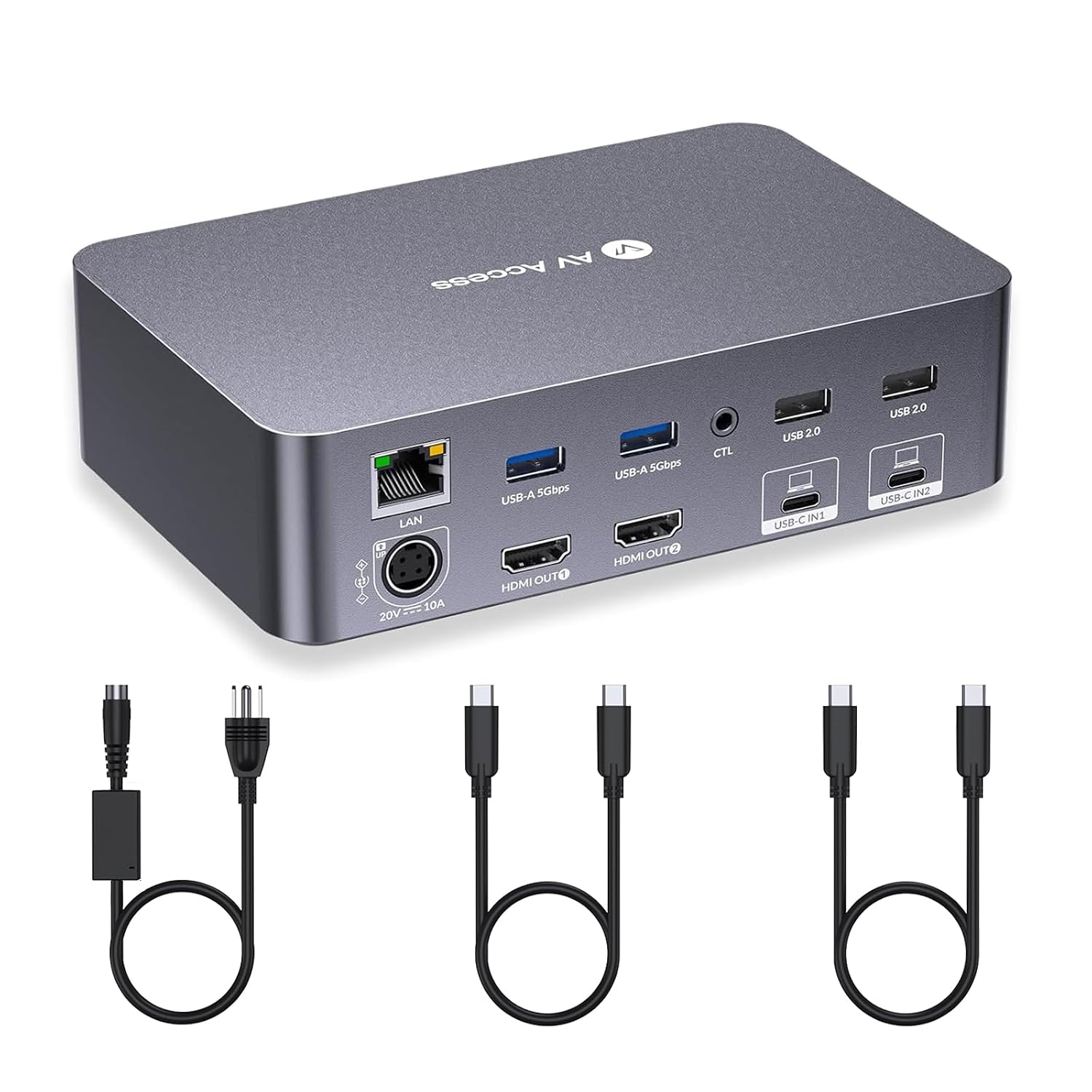
What it actually does
The AV Access KVM Switch Dock connects two laptops to one dual-monitor setup through a single USB-C cable per machine. One cable carries video, data, and up to 60W of charging power.
It’s a docking station and a KVM switch combined into one box, which is the whole pitch. Instead of buying a separate dock for each laptop plus a switch to flip between them, you plug both laptops into this one unit.
- 2x USB-C inputs (one per laptop), 60W PD charging each
- 2x HDMI outputs for dual monitors
- Gigabit Ethernet, 2x USB-A 5Gbps, 2x USB 2.0
- EDID emulation and automatic PC wake for fast switching
- Up to 2K@144Hz or 1080p@240Hz per display
Price at the time of writing is $233.99, which lands in the middle of the KVM dock category rather than at the bottom.
What the ports diagram tells you
AV Access’s own port map lays out just how much this thing is meant to replace: keyboard and mouse on the front panel, an SD card slot, a headphone jack, and a physical switch button with LED indicators showing which laptop is active.
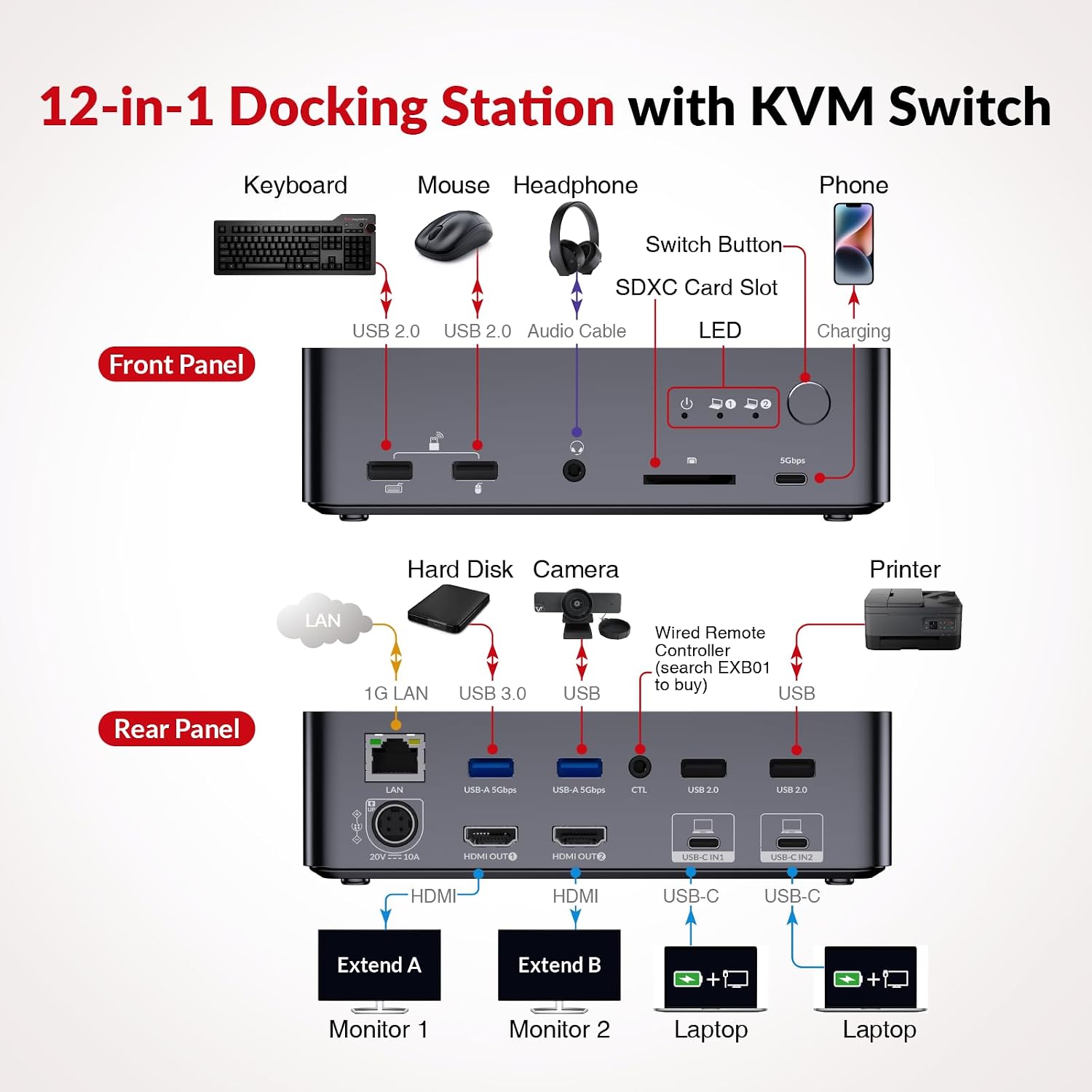
On the back: LAN, two USB-A 5Gbps ports, two HDMI outputs, and the two USB-C laptop inputs. That’s a genuinely complete desk setup in one box, not a stripped-down switch with a couple of extra ports bolted on.
The good, according to buyers
The recurring theme across reviews is simplicity. People describe it as working “as advertised” straight out of the box, with USB-C MST driving both monitors from a single cable without extra configuration.
Setup speed comes up a lot too. Reviewers describe getting it running in minutes, not hours, and switching between the two laptops taking about two seconds thanks to the EDID emulation.
The catches AV Access lists upfront
To their credit, AV Access doesn’t hide the limitations in fine print. Their own marketing includes a direct note: macOS only supports mirror mode, not extended desktop, when using this dock’s USB-C MST feature.
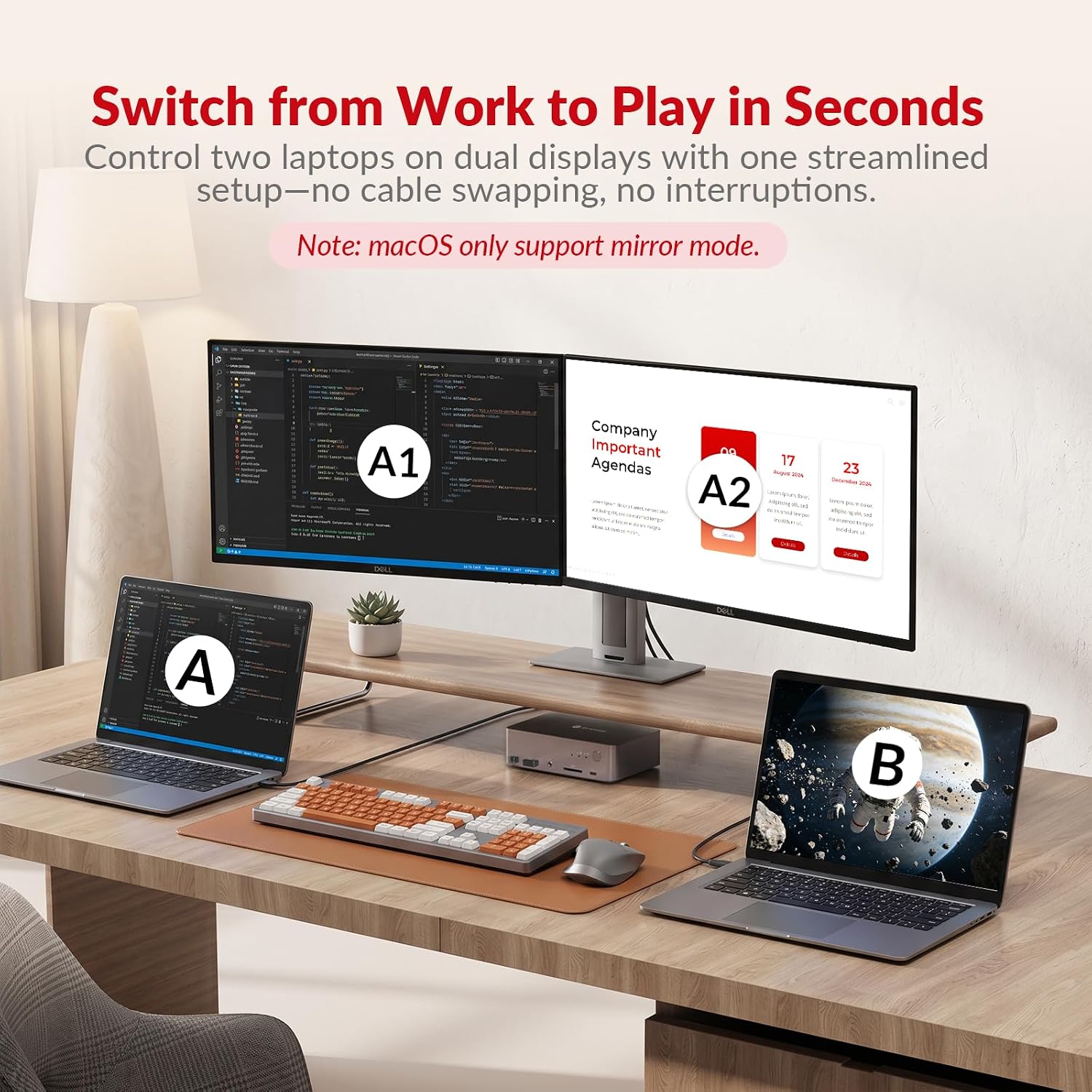
A few other things worth knowing before you buy. It doesn’t support 5K monitors, and a 49-inch ultrawide is capped at 3840×1080 rather than its native resolution. Your laptop’s USB-C port also needs to support both DP alt mode and DP MST mode, which not every laptop does. Windows machines are the safe bet here.
One more practical note from the product listing itself: leaving a laptop on continuous charge through the dock can cause it to run warm. It’s not a defect so much as something to be aware of if you’re charging all day, every day.
Who this is actually for
If you’re a developer, consultant, or anyone juggling a work laptop and a personal or secondary machine on the same desk, this solves a real problem. You get one clean setup instead of an unplug-replug routine every time you switch.
If you’re on a Mac and need true extended-desktop dual monitors, or you’re running a 5K display, this specific model isn’t the right fit. Check our guide to choosing the right AV Access model before you buy, since their lineup includes other options built for different setups.
Verdict
428 reviews and a 4.3-star average, on a product that isn’t hiding its limitations, is a good sign. This isn’t a brand overselling a device and hoping nobody notices the fine print; the mirror-mode note is right there in their own product images.
For a Windows-based two-laptop, two-monitor workflow, it’s one of the more complete single-box solutions I’ve come across, and the price sits fairly against what dedicated docks alone cost.
It’s also backed by AV Access’s standard 30-day return window and 1-year warranty, which you can read more about in our returns and warranty guide. A few basic care habits go a long way toward avoiding the heat issue reviewers mentioned.
For the full picture on where this fits into AV Access’s broader lineup, see our AV Access brand review and where to buy authentic AV Access products.