
Disclosure: This post contains affiliate links. If you buy something through one of them, we may earn a small commission at no extra cost to you.
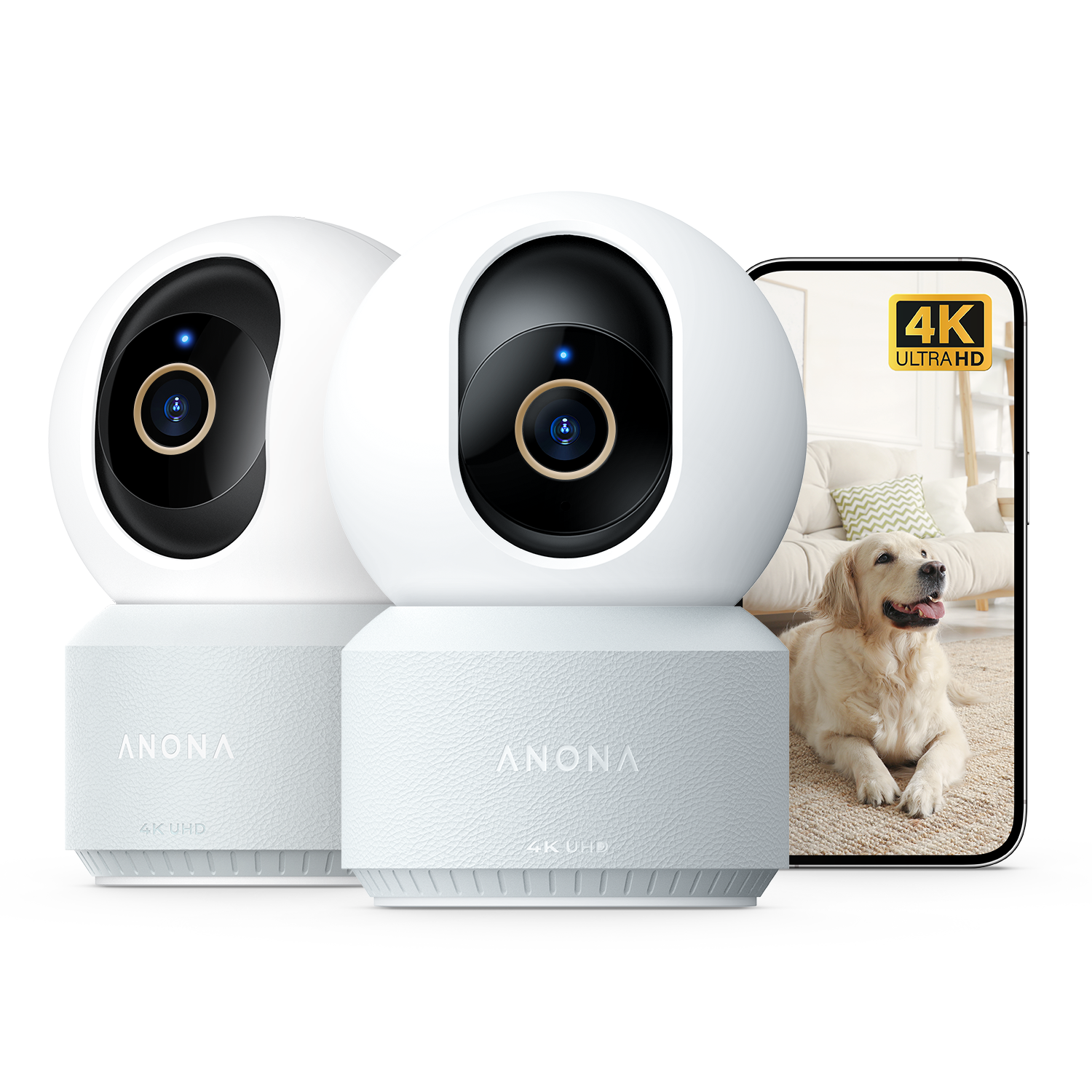
The listing I keep seeing pop up is the two-camera Anona Pano bundle, and it’s easy to see why. A single Pano lists around $34.99 on sale (regular price $59.99), so a 2-pack lands well under what a single 4K pan-tilt camera costs from bigger security brands. I went through the full spec sheet and a stack of independent reviews to see if the low price comes with hidden trade-offs.
What you’re actually getting
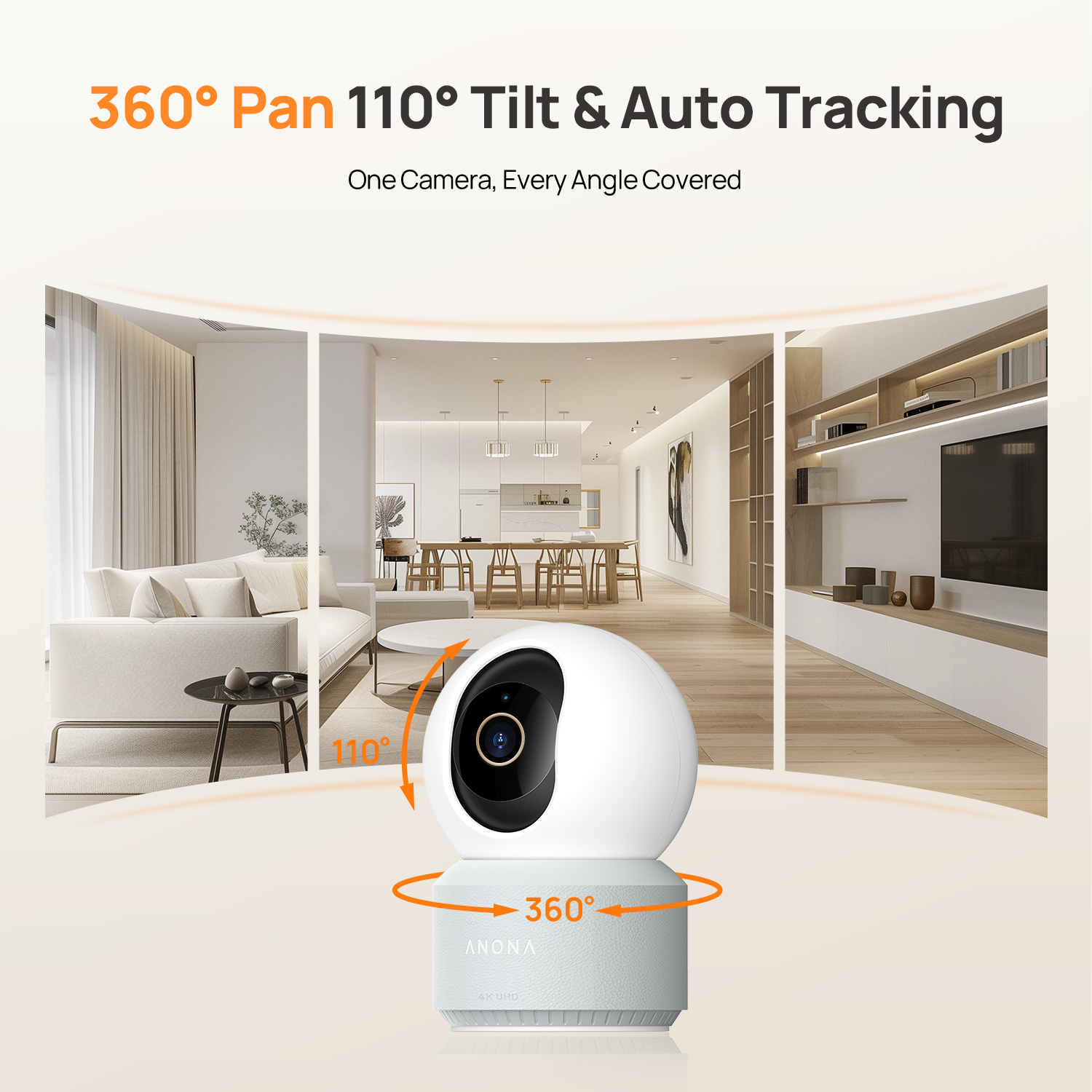
Each camera in the pack shoots true 4K UHD at 3840 x 2160 (8 megapixels) through an F1.6 aperture, with 8x digital zoom. Pan runs a full 360 degrees and tilt covers 110 degrees, so one unit handles most rooms without a blind spot in the corner.
Night vision uses 850nm infrared lighting, and reviewers consistently mention it holds detail out to roughly 30 feet. Dual-band Wi-Fi 6 (2.4GHz and 5GHz) keeps the connection stable even in a house with a lot of competing smart devices, and each camera plugs in via a 5V 2A USB-C adapter for always-on power.
AI detection and no-subscription storage
Both cameras run AI detection for people, pets, and baby crying, with auto-tracking that follows the largest moving subject in frame. Everything records to a local microSD card up to 512GB per camera, controlled through the Anona Security app on iOS and Android. There’s no cloud tier to unlock any of it.
That matters more over time than it does on day one. A brand charging $10 a month for cloud storage costs you $240 over two years. Anona’s model means the price on the box is close to the price you actually pay.
What buyers actually say
Independent reviews call out the image quality specifically: one reviewer noted you can zoom into recorded footage and still make out facial features, which isn’t a given at this price. Buyers also flag the privacy shutter and two-way audio as genuinely useful rather than gimmick features.
The recurring complaint is the auto-tracking. It follows the largest moving object in frame, and it can lag or lose a subject that moves quickly, like a dog sprinting across a room. The 20fps frame rate is part of why. The microSD slot also requires unmounting the camera to swap cards, which is a small hassle if you like to rotate storage.

Set up and placement
Since both cameras need continuous USB-C power, plan placement around an outlet or a cable run before you buy. Nothing here runs on battery. Once powered, setup pairs through the Anona Security app and both Alexa and Google Assistant, though not Apple HomeKit.
How it compares
Against Anona’s own outdoor models, the Pano is the one built specifically for indoor use, trading weatherproofing for a lower price and easier setup. Against outside brands, the closest real match is TP-Link’s Tapo C260. I broke down that comparison in Anona Pano vs TP-Link Tapo C260.
Should you buy it
If you want two rooms covered in real 4K with no monthly bill, this bundle is one of the easiest picks in Anona’s whole catalog. Plan your outlet placement ahead of time, don’t expect it to track a sprinting dog perfectly, and keep the 30-day return window in mind if the current listing is running a promotional price.
For setup tips that help the auto-tracking perform its best, see my Anona setup and care guide. For where to buy safely, check where to buy Anona authentically.
Keep reading: my full Anona brand review, how to pick the right Anona model, and where to buy Anona authentically.